
Remove Background
Cut out the subject, keep hair and fine edges, get a transparent PNG.
First use downloads the AI model (65 MB) once; it is cached afterwards.
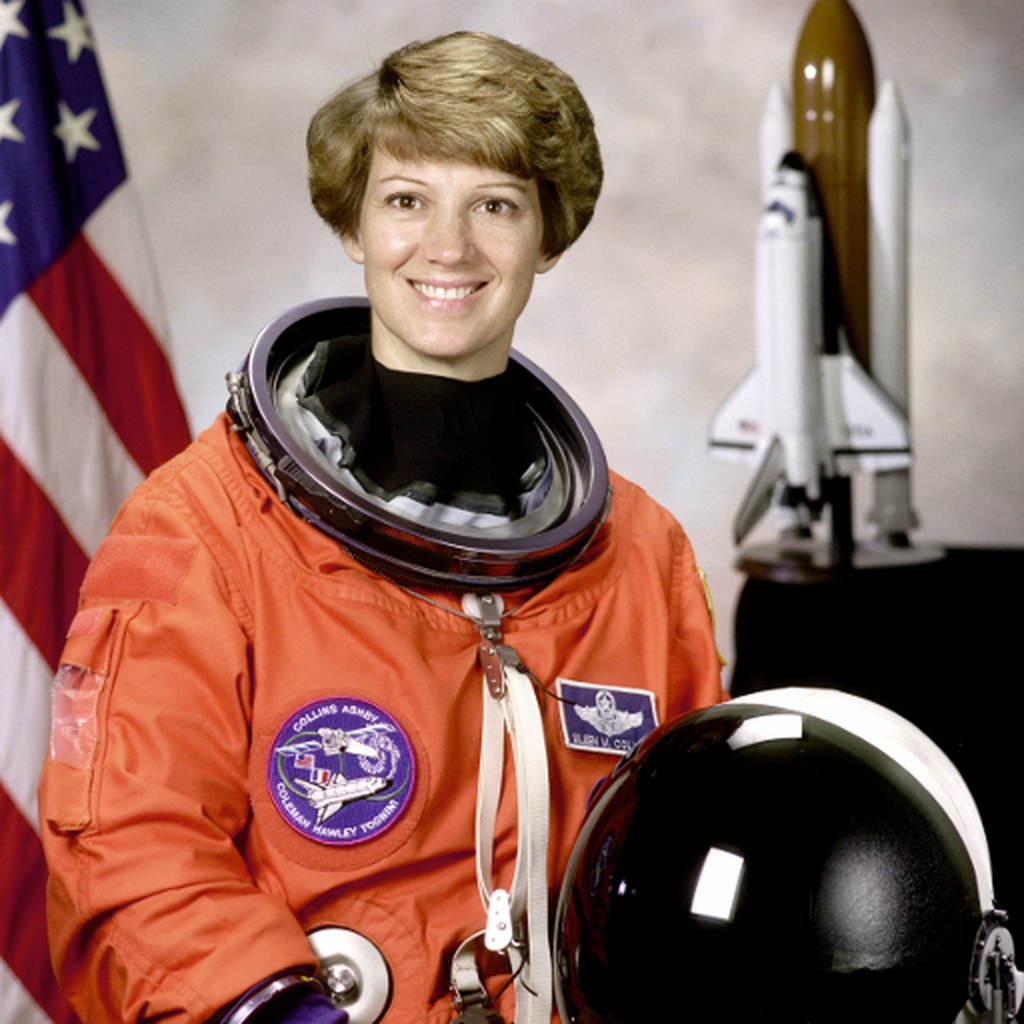
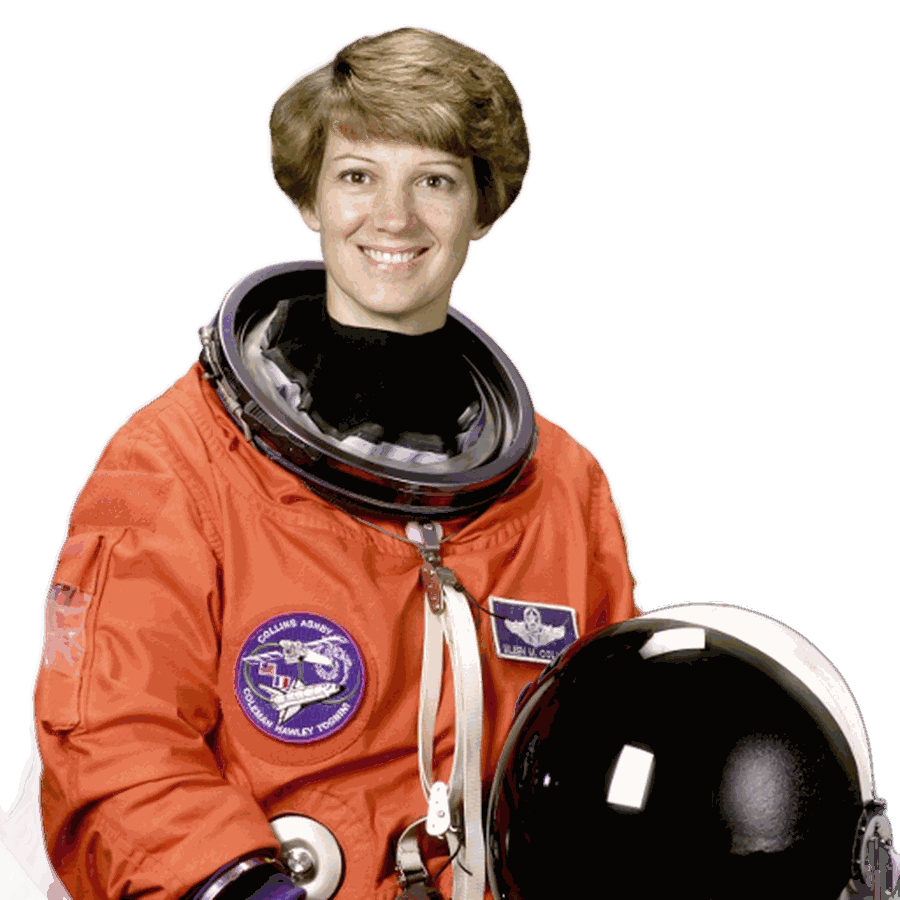
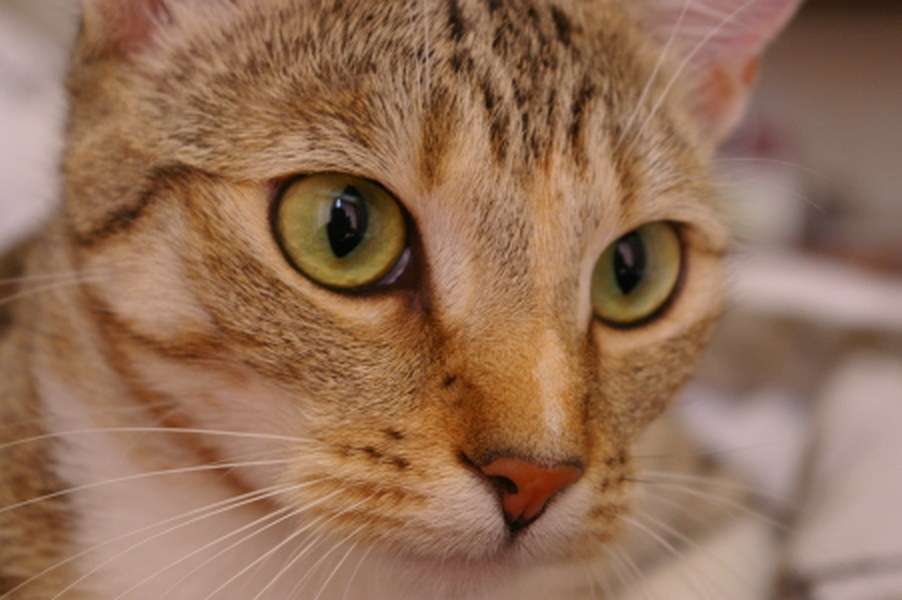
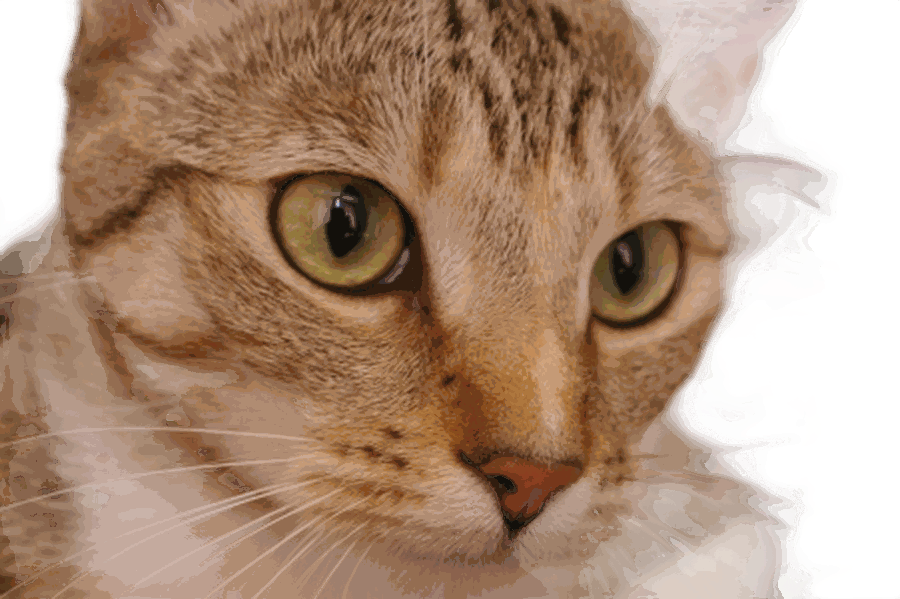
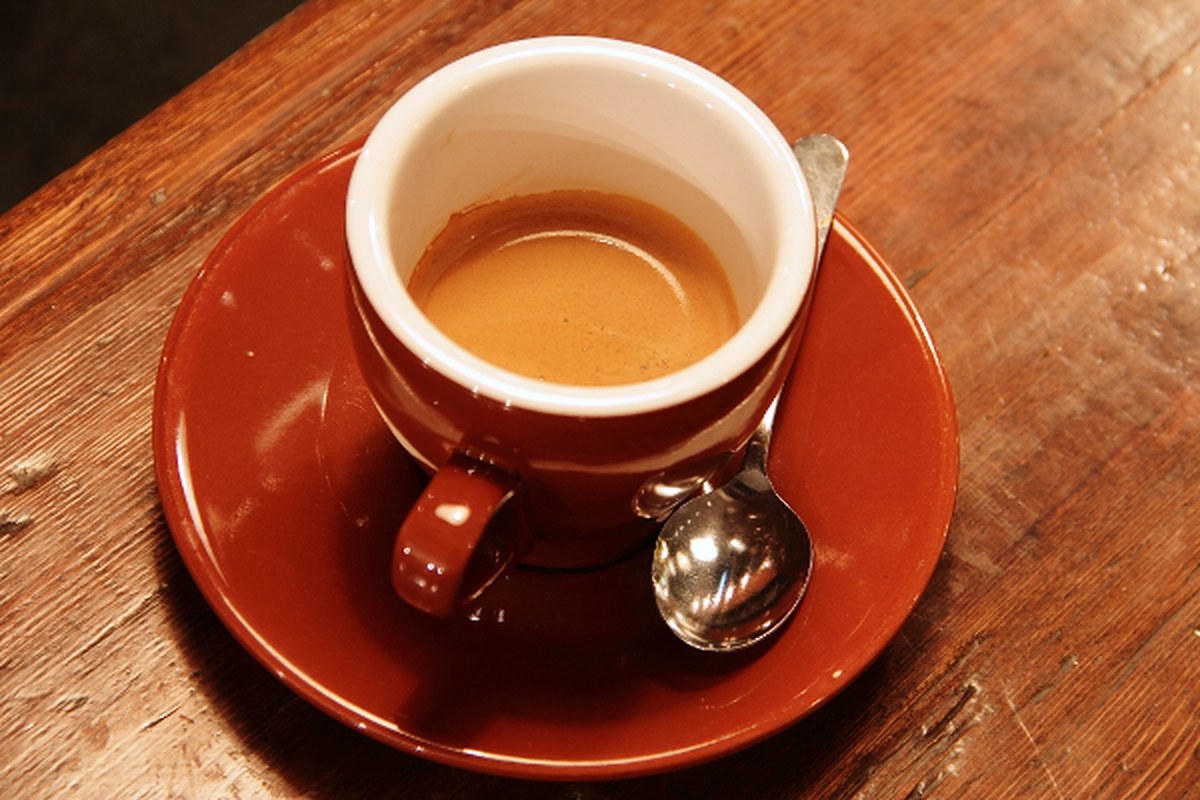
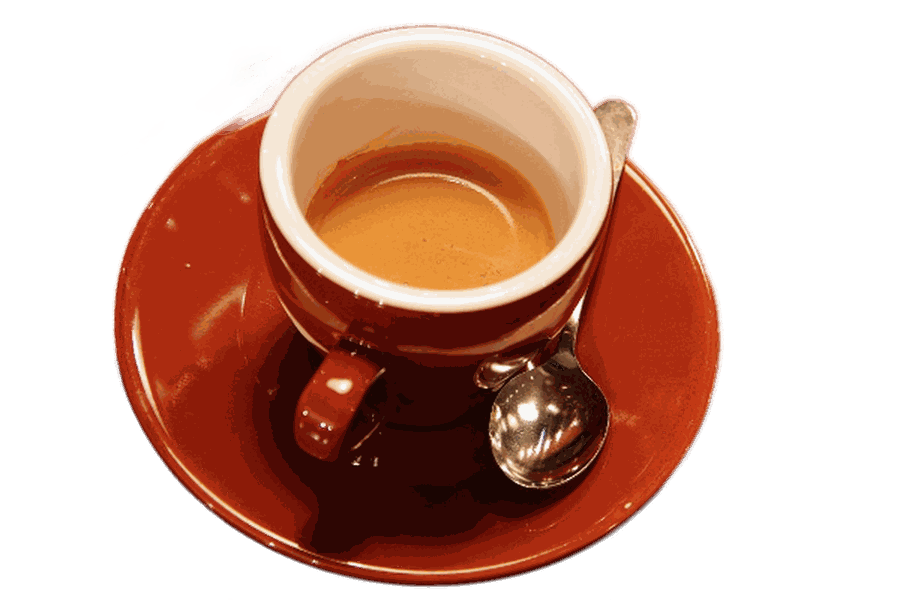
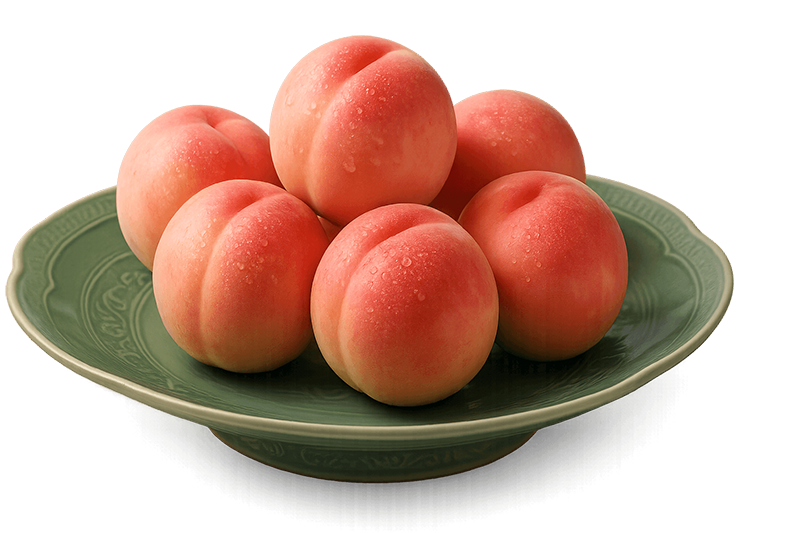
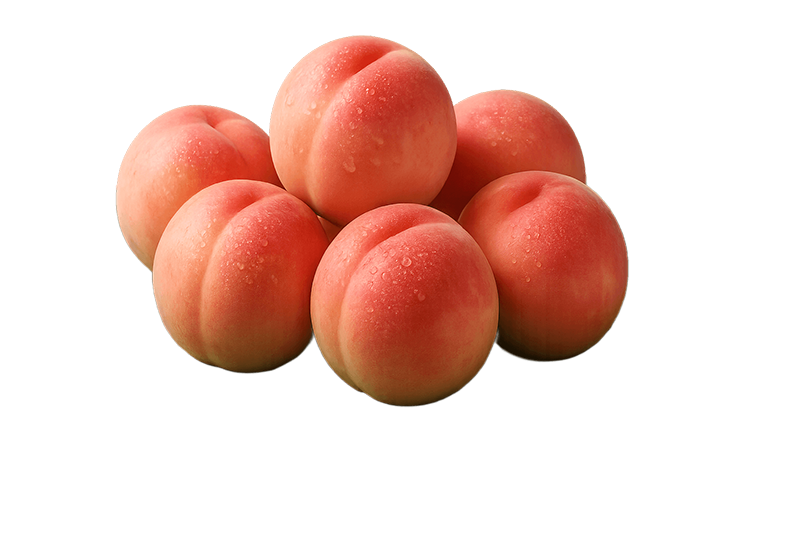
What it looks like on three photos
Drag the divider on any of them — original on the left, cut-out on the right.
- 100% freeNo account, no daily quota, no paid tier.
- Nothing is uploadedFiles are processed on your device and never reach a server.
- No catch on the outputNo watermark, no forced downscaling, no size cap.
- Updated in the openEvery fix and every new tool is written down on the changelog page.
What this background remover does
Drop a photo and the subject is separated from its background in under a second on a modern computer — people, products, animals, cars, plants, logos. The result keeps the original resolution of your photo and comes out as a PNG with a real alpha channel: hair strands, fur, veils and other semi-transparent edges are preserved as soft transparency rather than a hard cut, which is what makes the result usable on any new background. Compare before and after by dragging the divider across the preview.
The background can be left transparent, replaced with white (for product listings and ID photos) or filled with any color you pick, and an edge-feathering slider softens the outline by up to five pixels. Several photos can be dropped at once and are processed one after another; download each or all of them as a ZIP. The cut-out is produced by ISNet, an open-source dichotomous segmentation network trained on high-resolution images, running inside your browser with WebGPU — nothing is uploaded, and there is no watermark, no sign-up and no limit.
How to use it
The first time on a device the page fetches the AI model (44 MB) and its runtime (21 MB); a progress bar shows the download, and it is cached so later visits start immediately. Drop, paste or choose photos. Each one is processed automatically; the first finished image appears in the comparison view. Choose the background — transparent, white or a color — and the edge feathering; these change the result instantly without re-running the AI. Press Download PNG for the current image, or Download all for the batch.
For best results give the model a clear subject: one person, one product, one animal. Photos where the subject fills a good part of the frame cut out best; a tiny figure in a wide landscape gets fewer pixels of attention. The result can continue to Compress image, Resize image or Add watermark; to put the cut-out on a new photo, use any image editor that accepts transparent PNGs.
Common pitfalls
Speed depends on your browser. With WebGPU — Chrome, Edge, Firefox and Safari 26 on current computers, and recent Android phones — a photo takes well under a second after the first load. Without it the same model runs on the CPU in WebAssembly and needs roughly 15–25 seconds per photo; the page tells you which mode is active and stays responsive while it works. Old phones and very old laptops may not have the memory for the model at all.
The model decides what the subject is; it cannot read your mind. Group photos keep everyone, a hand holding a product keeps the hand, and reflections or shadows on the ground are usually removed (add a shadow back in an editor if you want one). Transparent objects — glass, water, thin fabric — get a plausible but not physically exact alpha. Extremely busy backgrounds with colors similar to the subject are the hardest case. The model works on a 1024-pixel version of the photo internally, then the mask is scaled back to full resolution, so edges on a 6000-pixel image are slightly softer than on a 1500-pixel one.
Background: how the cut-out works
ISNet is a neural network for dichotomous image segmentation — deciding, for every pixel, how much of it belongs to the foreground object. It was trained on thousands of high-resolution images with pixel-accurate masks, including hair, mesh and thin structures, which is why it produces soft, detailed edges rather than the blobby outlines of older models. The network runs at 1024 × 1024 and outputs a probability map; that map becomes the alpha channel of your photo after being scaled to the original size.
The model used here is the original Apache-licensed weights with the convolution weights stored as 8-bit integers (a quarter of the size, with masks indistinguishable from the full-precision version), split into three files so it can be served from ordinary static hosting and reassembled in the browser. Inference runs on ONNX Runtime Web: on the GPU through WebGPU when the browser offers it, otherwise on the CPU in WebAssembly. Your photo is read into a canvas, normalised, passed to the network and composited back — every step inside your tab, nothing sent anywhere, and the page works offline once the model is cached.
When you need to remove a background
Product photos for a marketplace or shop that demands a clean white background. Profile pictures and ID photos with a plain backdrop. Logos and signatures that must be transparent to sit on a document. Cut-outs for presentations, posters, thumbnails and social-media graphics. Photos of items you are selling second-hand, taken on a cluttered table. Composites and collages that combine subjects from several pictures. Stickers and emoji made from a photo.
On this site the chain is: remove the background here, then resize or compress for the platform, add a watermark if the picture goes public, or place the transparent PNG on a PDF with Sign PDF as a logo or stamp.
Frequently asked questions
Is my photo uploaded?
No. The AI model is downloaded to your browser once and runs there; the photo is processed on your device and never sent to a server. The page works offline after the first load.
Why does the first use download 65 MB?
That is the segmentation model (44 MB) and its runtime (21 MB). Both are cached by the browser, so later visits and other photos start instantly.
Is the result full resolution?
Yes. The mask is computed at 1024 pixels and scaled to your photo's original size, so the output PNG has the same dimensions as the input with a soft alpha channel.
Why is it slow on my device?
Without WebGPU the model runs on the CPU in WebAssembly, which takes 15–25 seconds per photo. Current versions of Chrome, Edge, Firefox and Safari on modern hardware use the GPU and finish in under a second.
Can I choose what to keep?
Not manually — the model picks the main subject automatically. Crop the photo to the subject first with the crop tool if it is keeping too much.